Studio
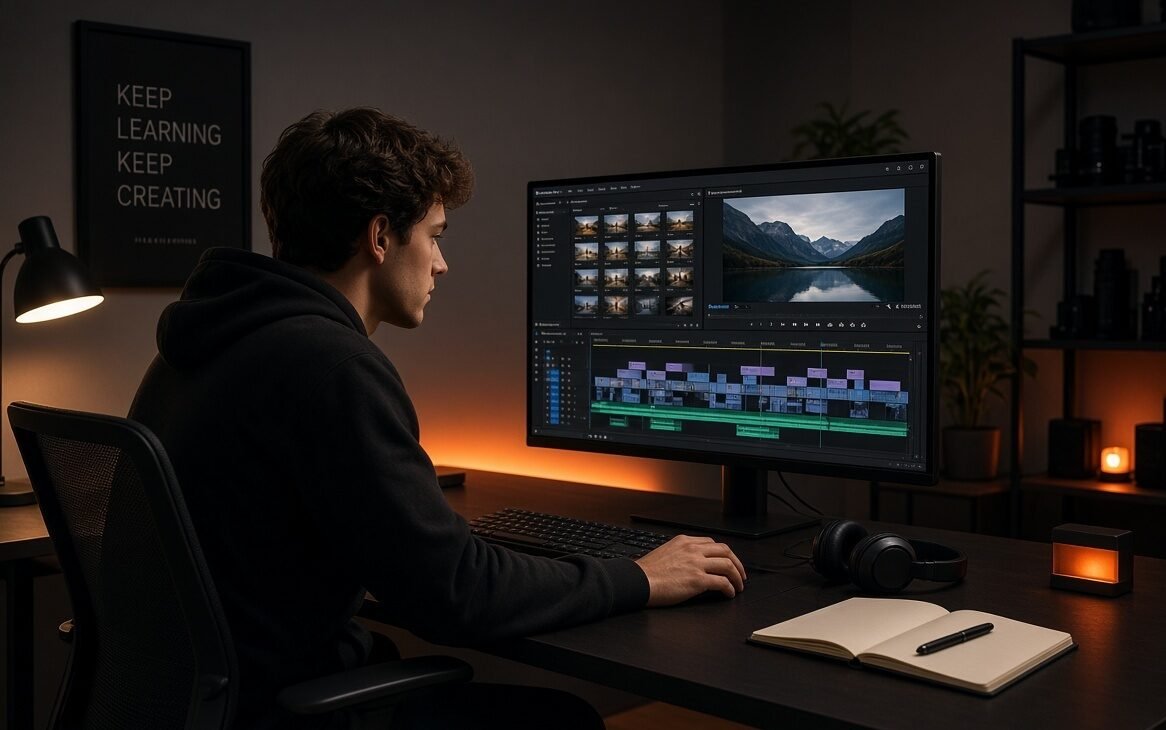
Structured learning paths designed to take you from absolute beginner to client-ready editor. Choose your path — Starter, Creator, or Master.
Studio
- Beginner Friendly
- 8–10 Test Projects
PixelBlaidd Starter
Price: ₹5,999 | $250
- Basic Video Editing
- Premiere Pro / similar
- Introduction to Motion Graphics
- Basic Color Correction
- Simple transitions, titles & sound editing
- 8–10 practical projects (YouTube-style videos, reels, simple ads)
- Community support
- Best for Creators / Influencers
- Most Popular
- 15+ Test Projects
Pixelblaidd Creator
Price: ₹8,999 | $480
- Complete Basic to Intermediate Video Editing
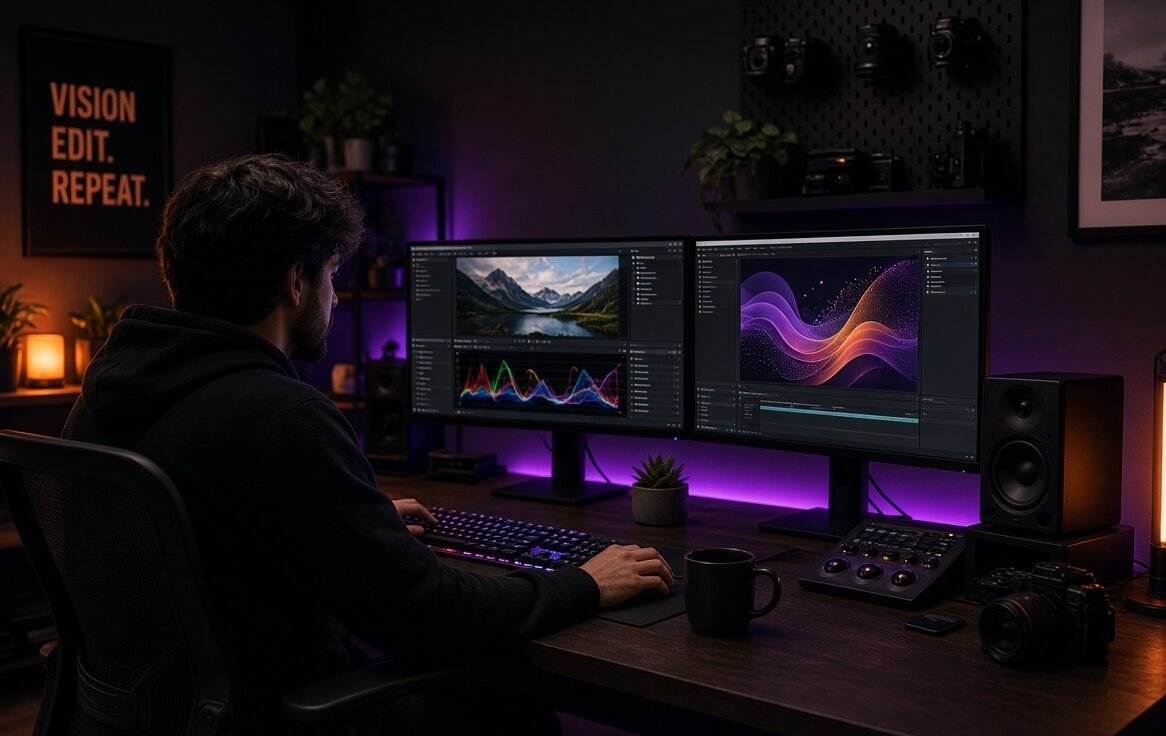
- Motion Graphics (titles, lower thirds, kinetic text, simple animations)
- Color Grading (cinematic looks, LUTs, matching shots)
- Intermediate transitions & effects
- 15+ real-world projects (reels, short films, product videos, wedding highlights style)
- Priority doubt support (WhatsApp/Telegram)
- Advanced
- 20+ Test Projects
Pixelblaidd Master
Price: ₹12,999 | $850
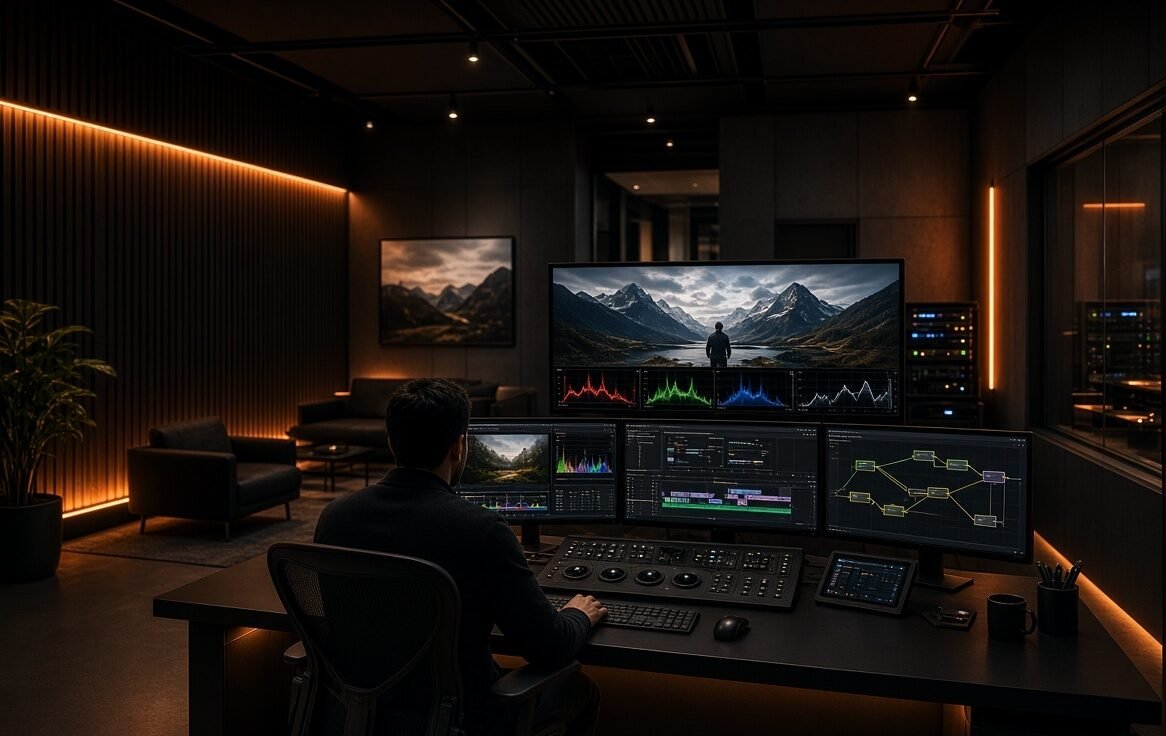
- Professional Color Grading
- VFX (Green screen, tracking, basic compositing, particle effects, rotoscoping basics)
- Complete pipeline: Edit → Advance Motion graphics → Grade → VFX → Final Delivery
- 20+ advanced projects + portfolio-ready showreel guidance
- 1-on-1 project feedback (limited slots)
- Priority support
Don’t Hesitate To Contact Us If You Have Any Question
Whether you’re choosing between Starter, Creator or Master, or need help with enrollment — we’re just a message away.
We Help You Become a Professional Editor
Why PixelBlaidd
Pixel Blaidd combines a professional video editing studio with a complete online coaching system. Our editors work on commercial, YouTube, social media and corporate projects, while our coaches help students and freelancers build real-world editing skills through live sessions, feedback and structured courses.
Video Editing
Learn professional editing techniques using Premiere Pro — from basic cuts and transitions to advanced storytelling, pacing, and multi-cam workflows.
Color Grading
Master cinematic color correction and grading. Work with LUTs, shot matching, and create professional looks that elevate your videos.
Motion Graphics
Create engaging titles, lower thirds, kinetic text, and simple animations that make your videos look polished and dynamic.
VFX
Get introduced to green screen, tracking, basic compositing, particle effects, and rotoscoping — essential skills for modern video work.